Background Removal
Certification

Before using Background Removal, send nine original portraits from your setup for review.

QuicPics astronaut holding a portrait with a transparent background

Set up your shoot

Use a white backdrop

Use fleece (Westcott recommended), paper, muslin, or vinyl.

Light your subject

Aim the light at your subject so the backdrop photographs light to medium gray.

Frame within the backdrop

Keep the entire visible subject inside the backdrop.

Lighting setup from aboveA white backdrop is behind the subject. The light points at the subject from the front side. The camera faces the subject.

Aim for a light to medium gray backdrop in the photo.

Take nine portraits

Photograph one person. Take three different photos in each framing style and keep the original JPGs with the backdrop intact.
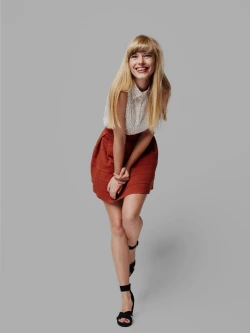
Full-length portrait on a gray backdrop

Full-length

Show the subject from head to toe.

Three-quarter length portrait on a gray backdrop

Three-quarter length

Leave room around the subject.

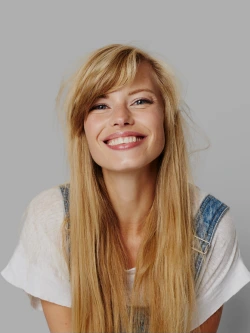
Close-up portrait on a gray backdrop

Close-up

Show hair and face edges clearly.

Submit for review

Our team will review your samples and email you the next steps.

Account details
Upload samples

Choose or drop three original JPGs per group. Each file must be under 8 MB and 24 MP or less. Images are checked as you add them.

Complete your details and confirm permission to upload.

Full-length

0 of 3 added

Three-quarter length

0 of 3 added

Close-up

0 of 3 added
Confirm your setup